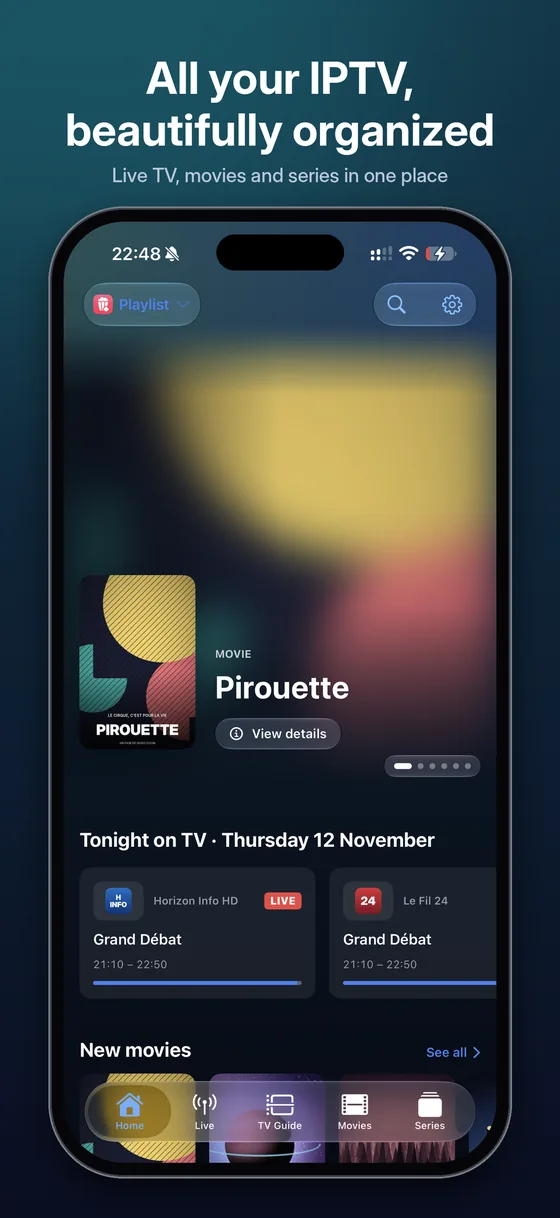
A Home screen that picks up where you left off
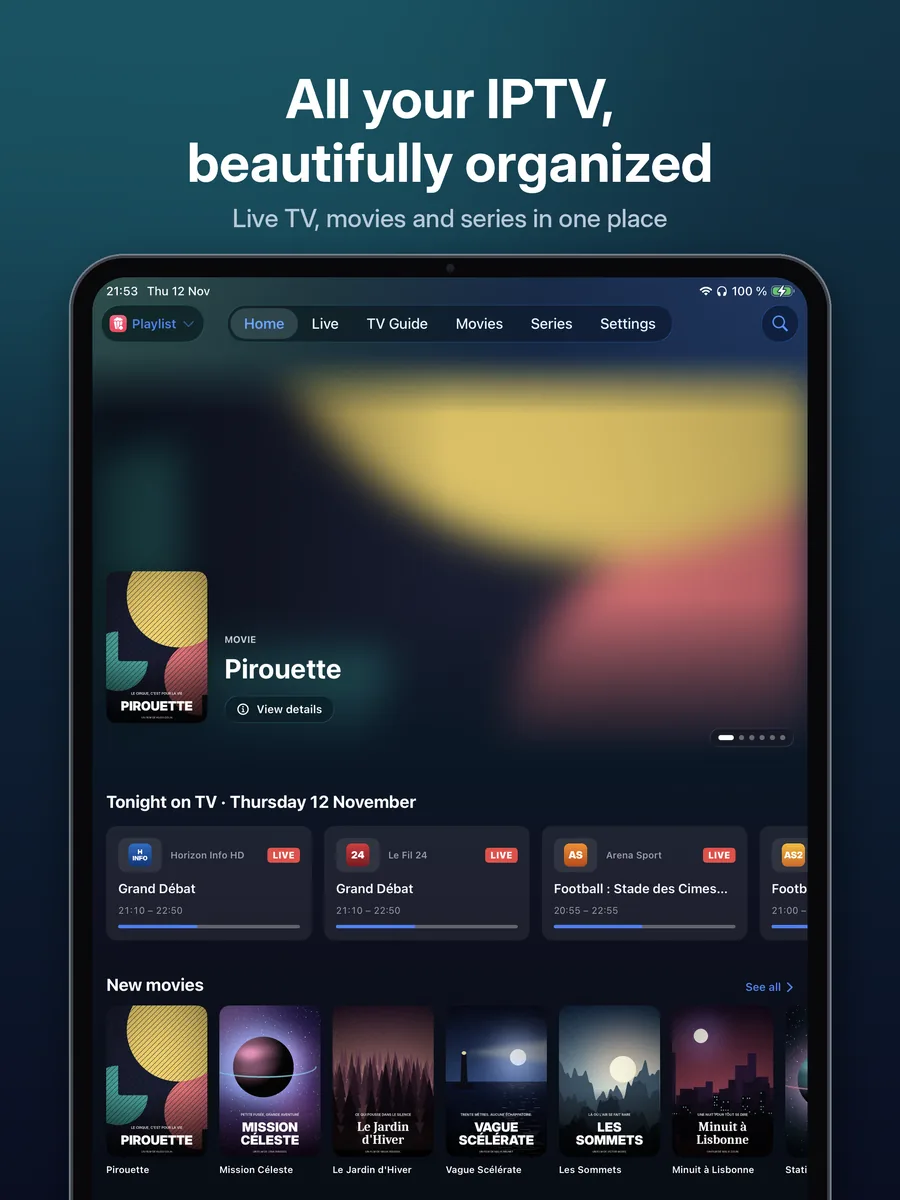
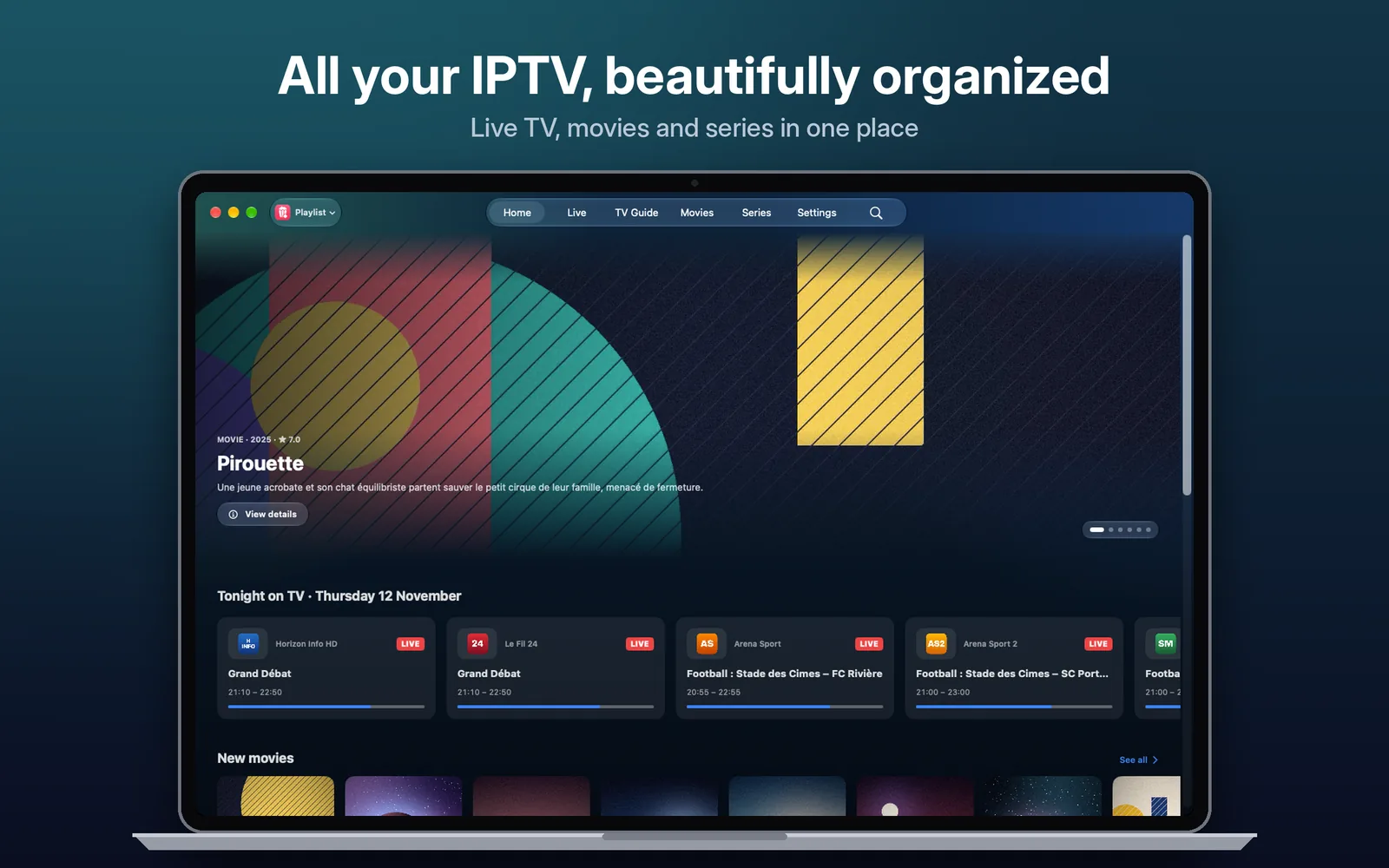
A large featured image, Continue watching, Recent channels, Favorites, Tonight on TV, My List and new movies and series. You choose the order and what appears.
iPhone · iPad · Apple TV · Mac
Necivo plays your M3U playlists and Xtream Codes accounts, with a full TV guide and reliable playback. The app does not provide any channels: you bring your source, Necivo handles the rest.
 HomeLiveMoviesSeriesTV Guide
Interface illustration. Channels and images are fictional.
Devices
Necivo is built natively for each device, with the Liquid Glass style on recent system versions.
iOS 18 or later
Compact player in portrait, gestures, mini player, picture in picture, AirPlay and Chromecast. Light or dark icon.
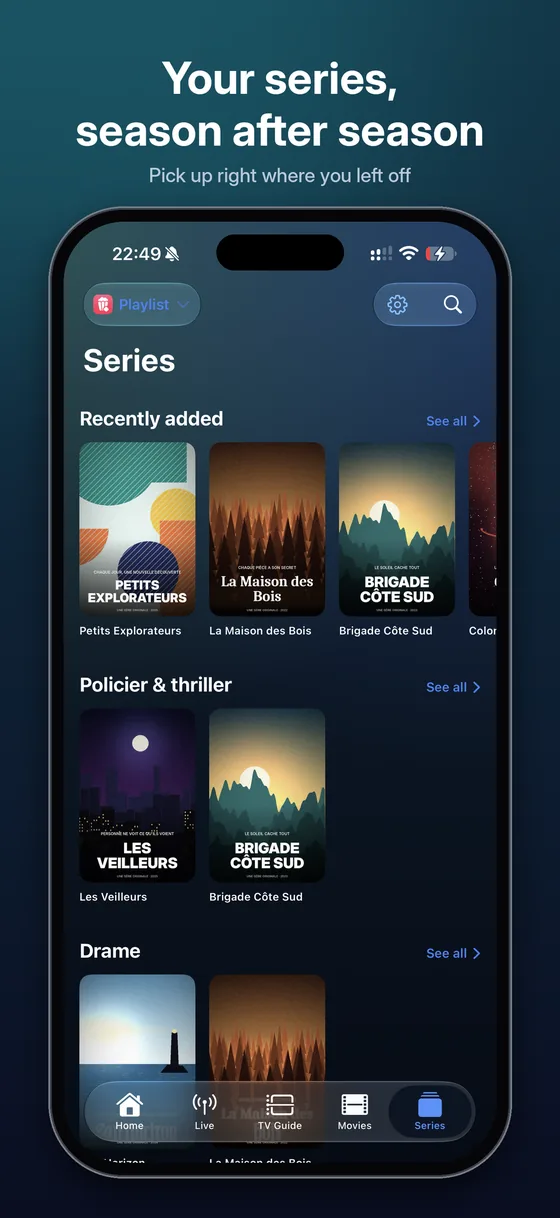
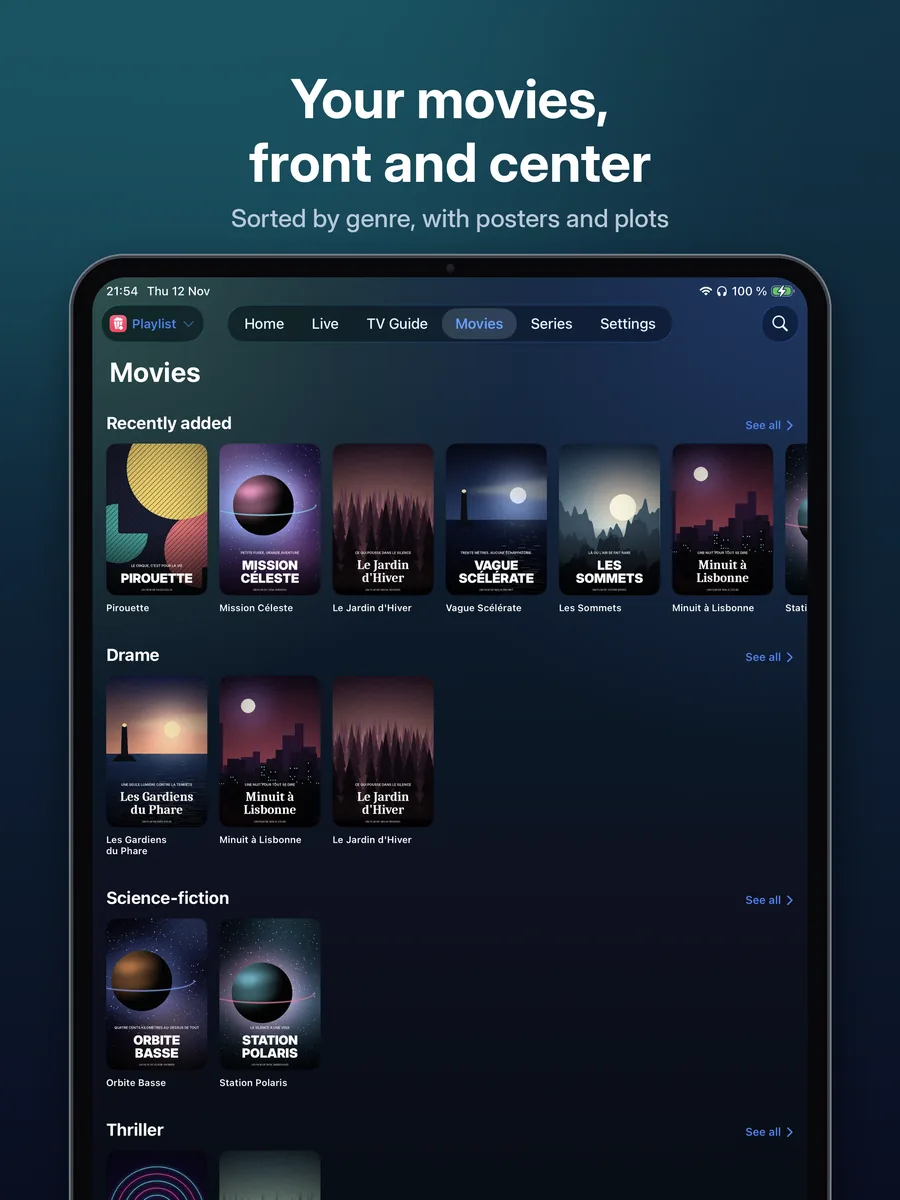
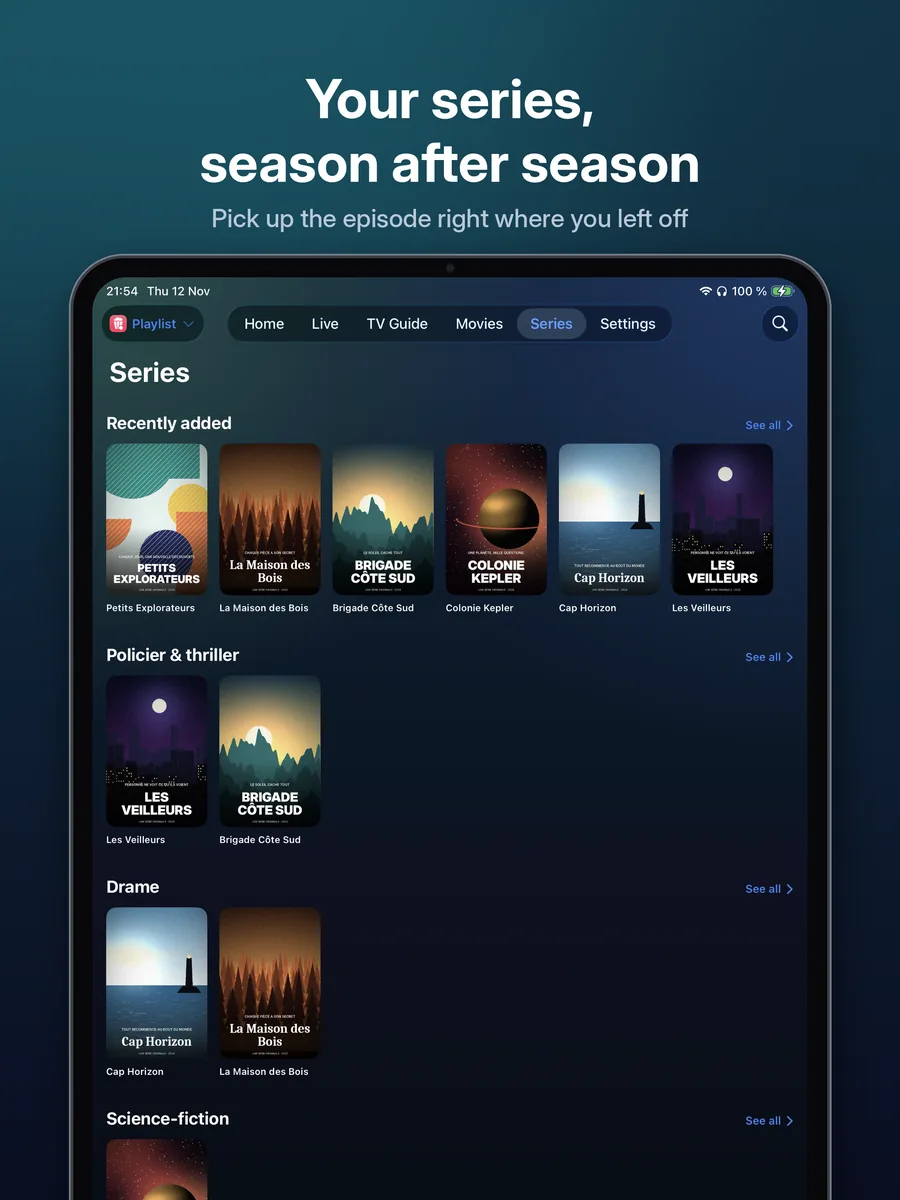
iPadOS 18 or later
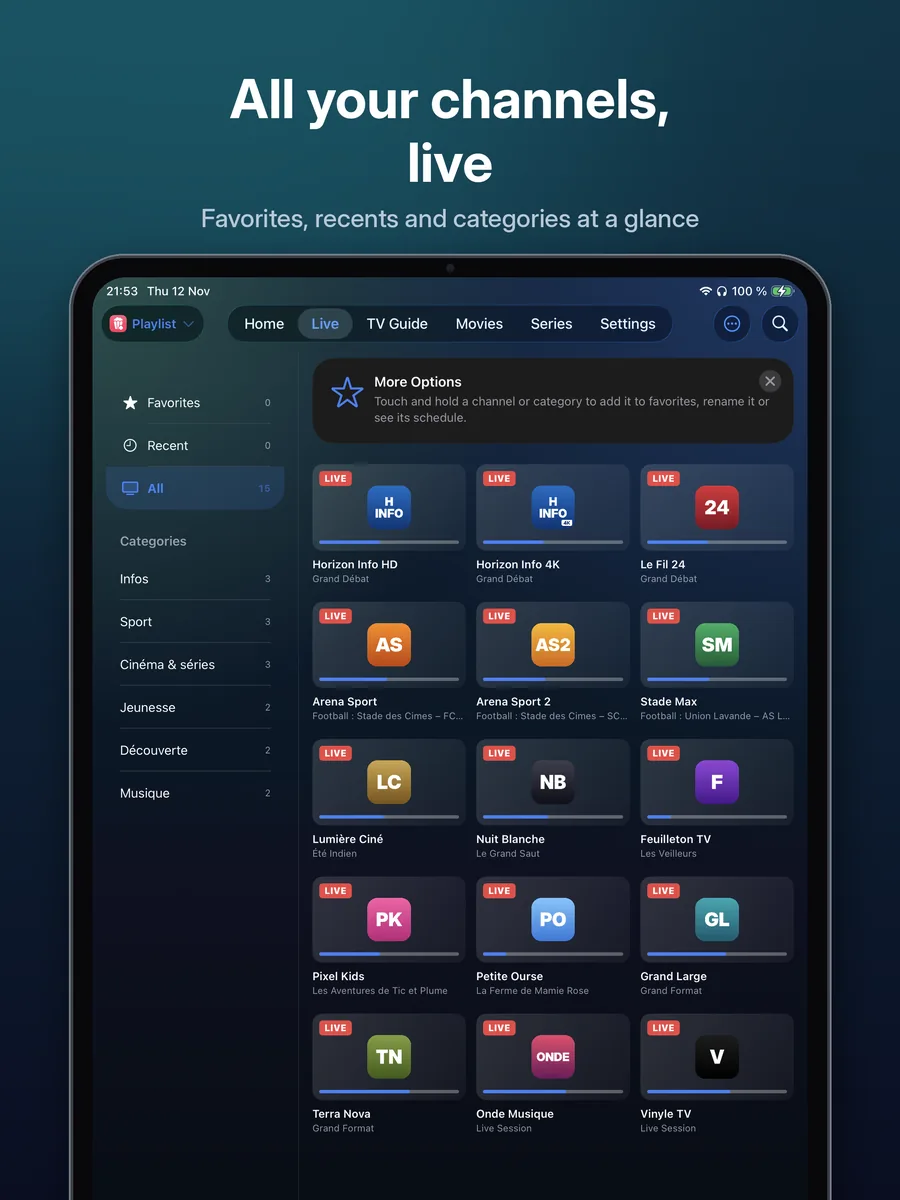
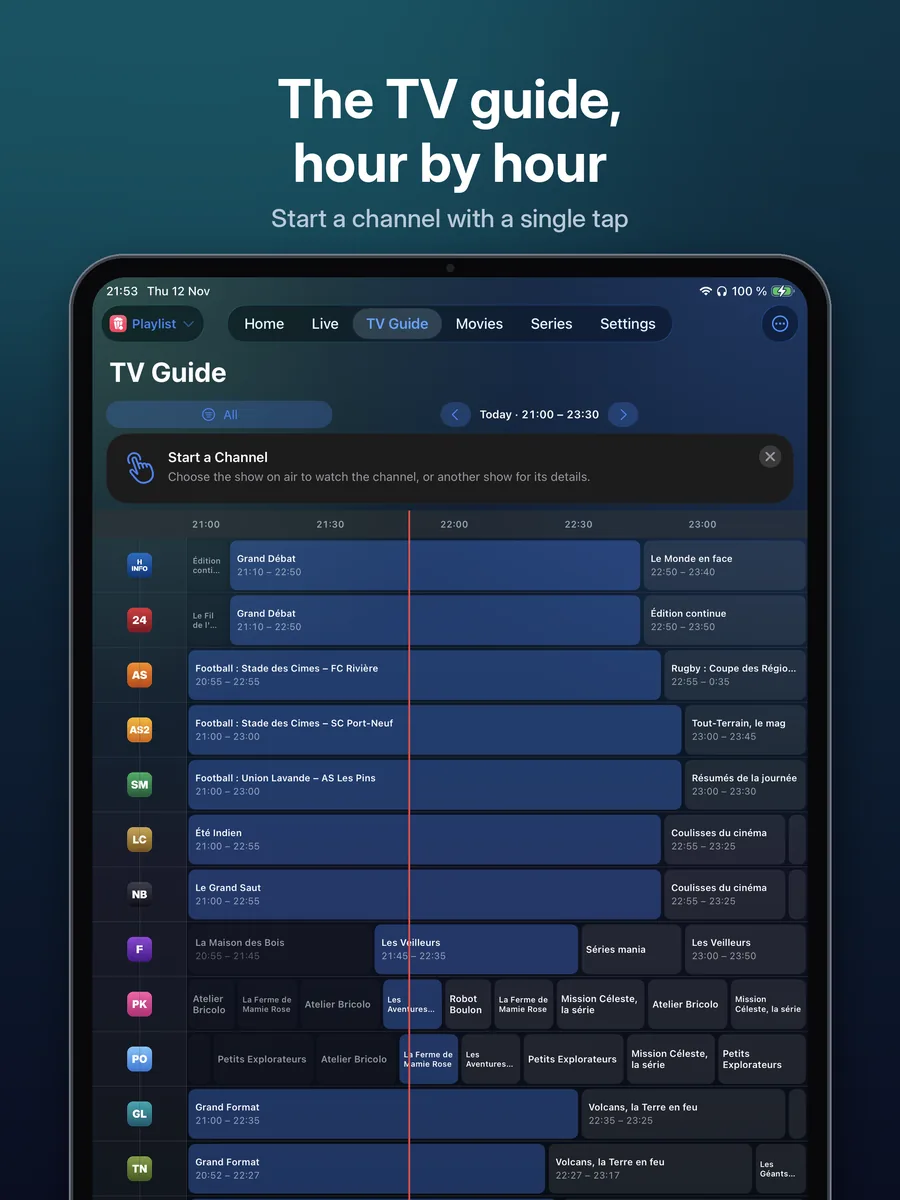
The larger format for the TV Guide and detail pages, with the same casting options as iPhone.
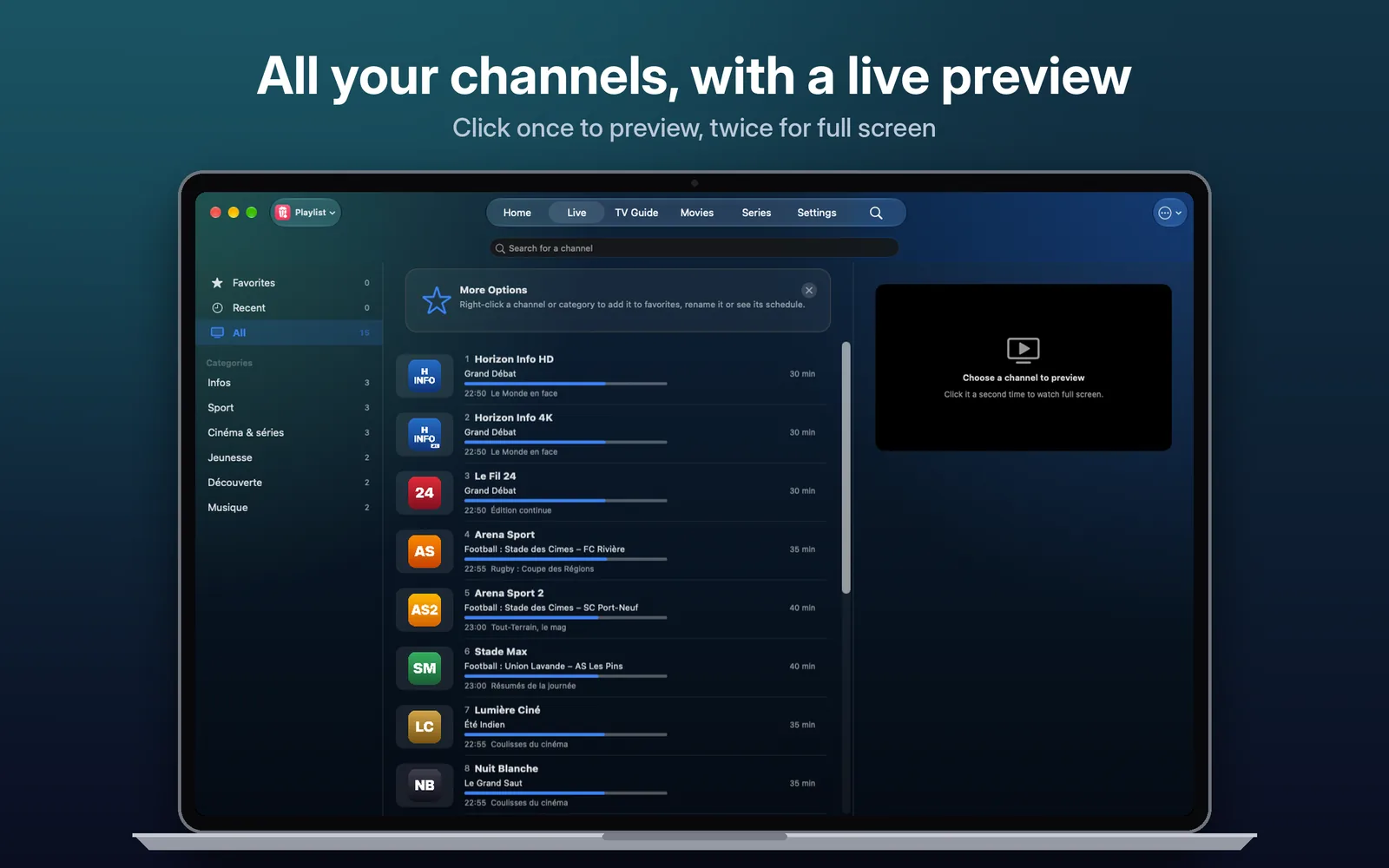
macOS 15 or later
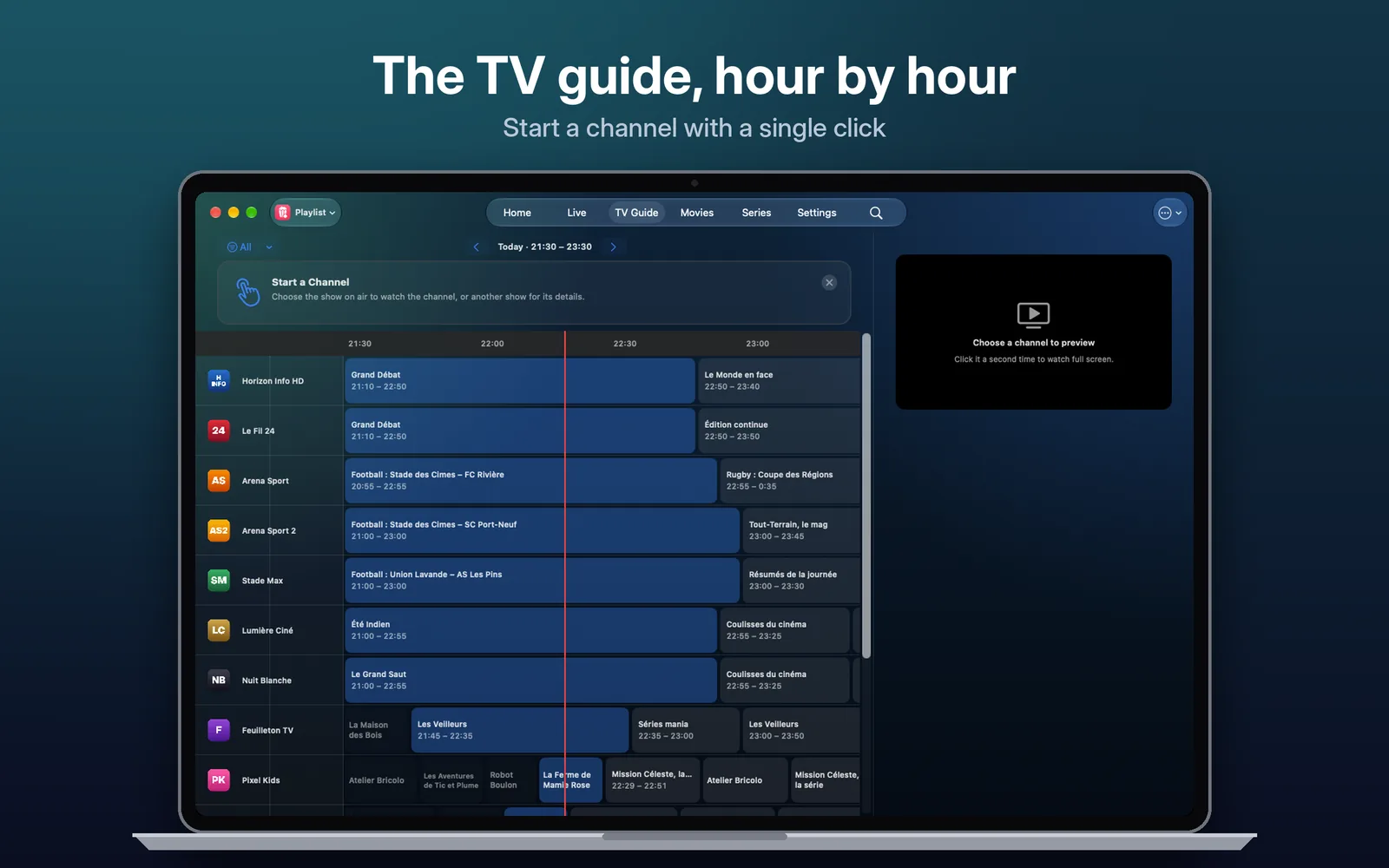
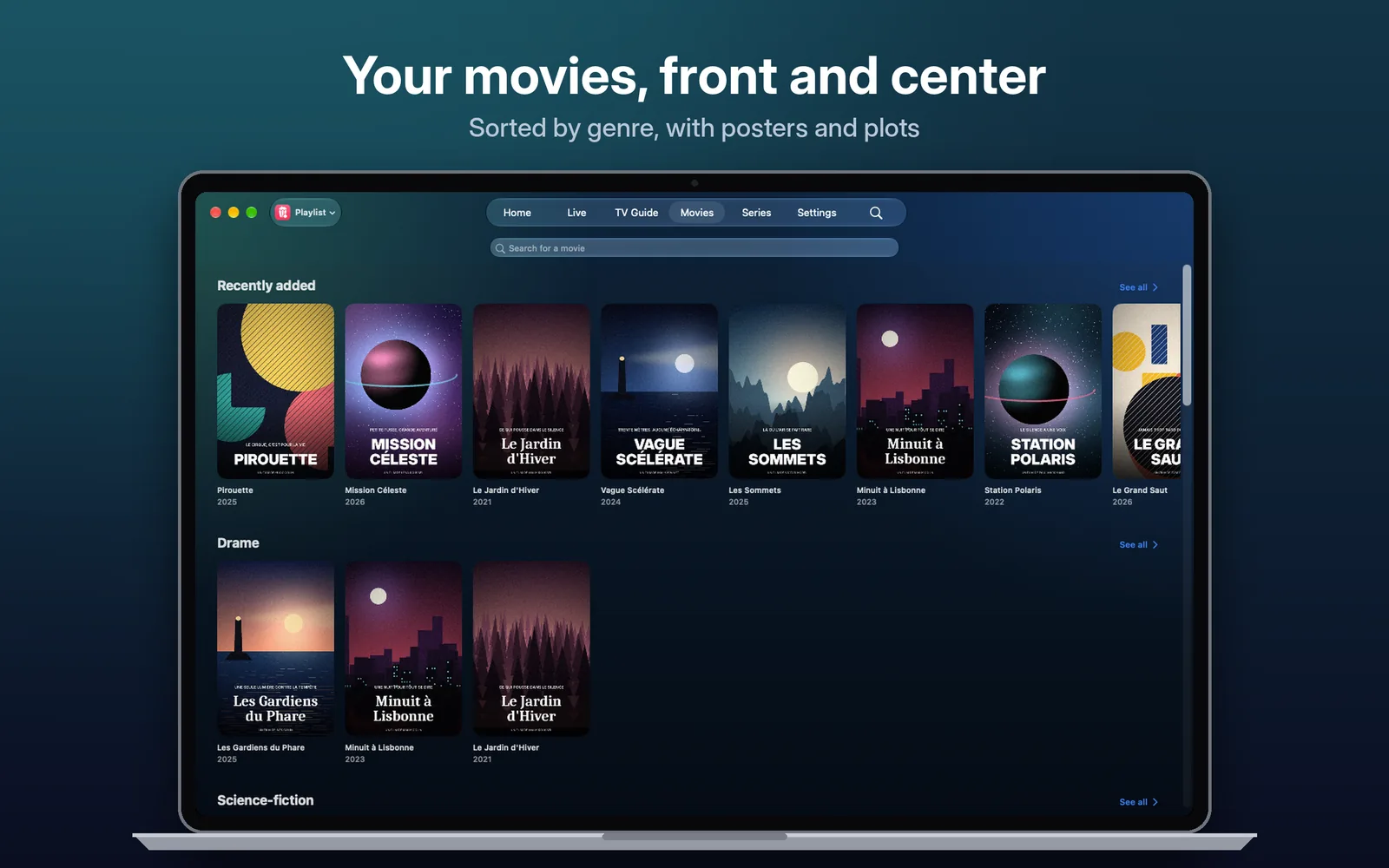
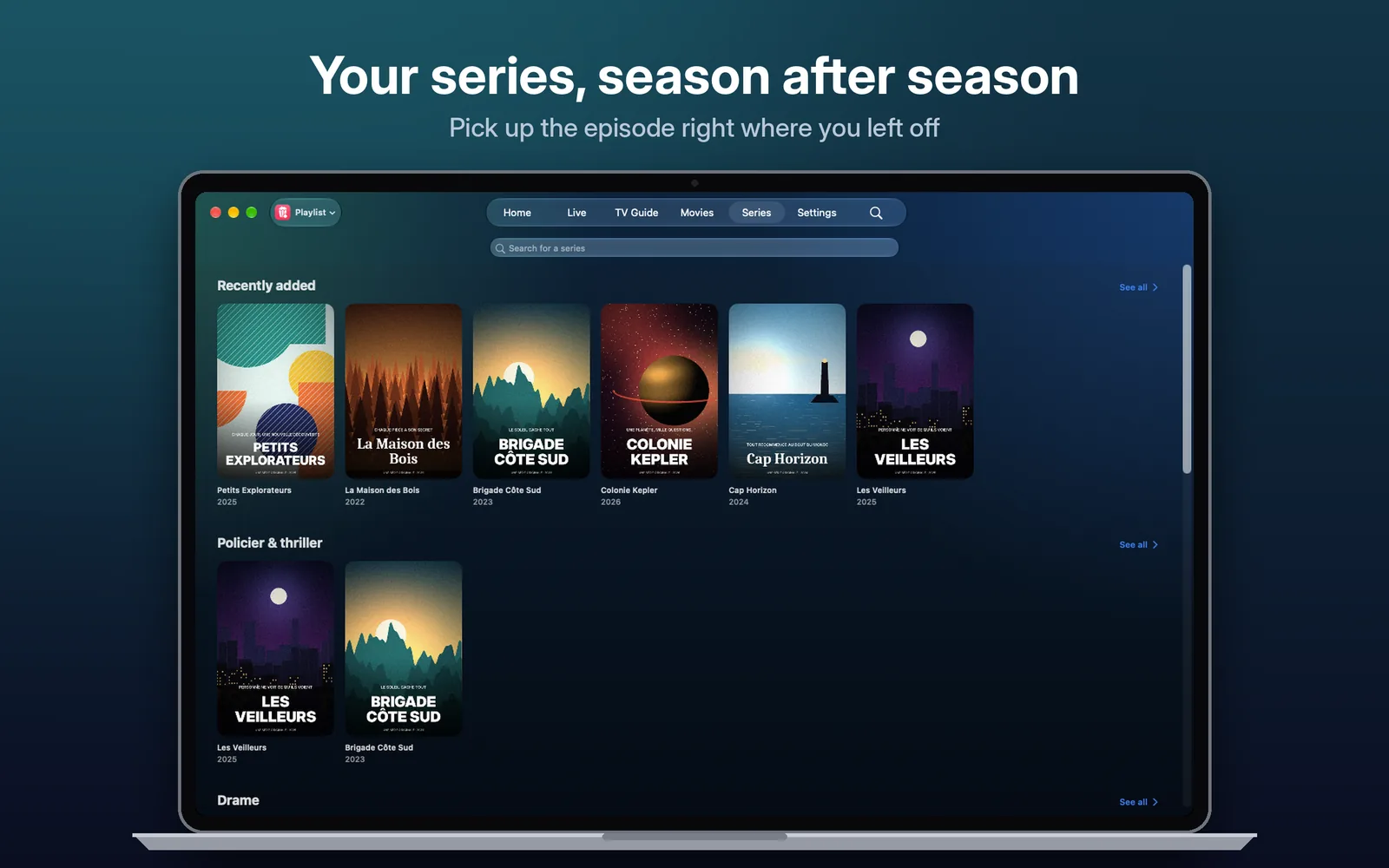
A floating window, channel preview in one click, double-click for full screen, arrow keys to zap and keyboard shortcuts (⌘1 to ⌘6, ⌘F).
tvOS 18 or later
An interface made for the couch, with the same remote gestures as Apple’s TV app: swipe down for info, audio, subtitles and the channel list.
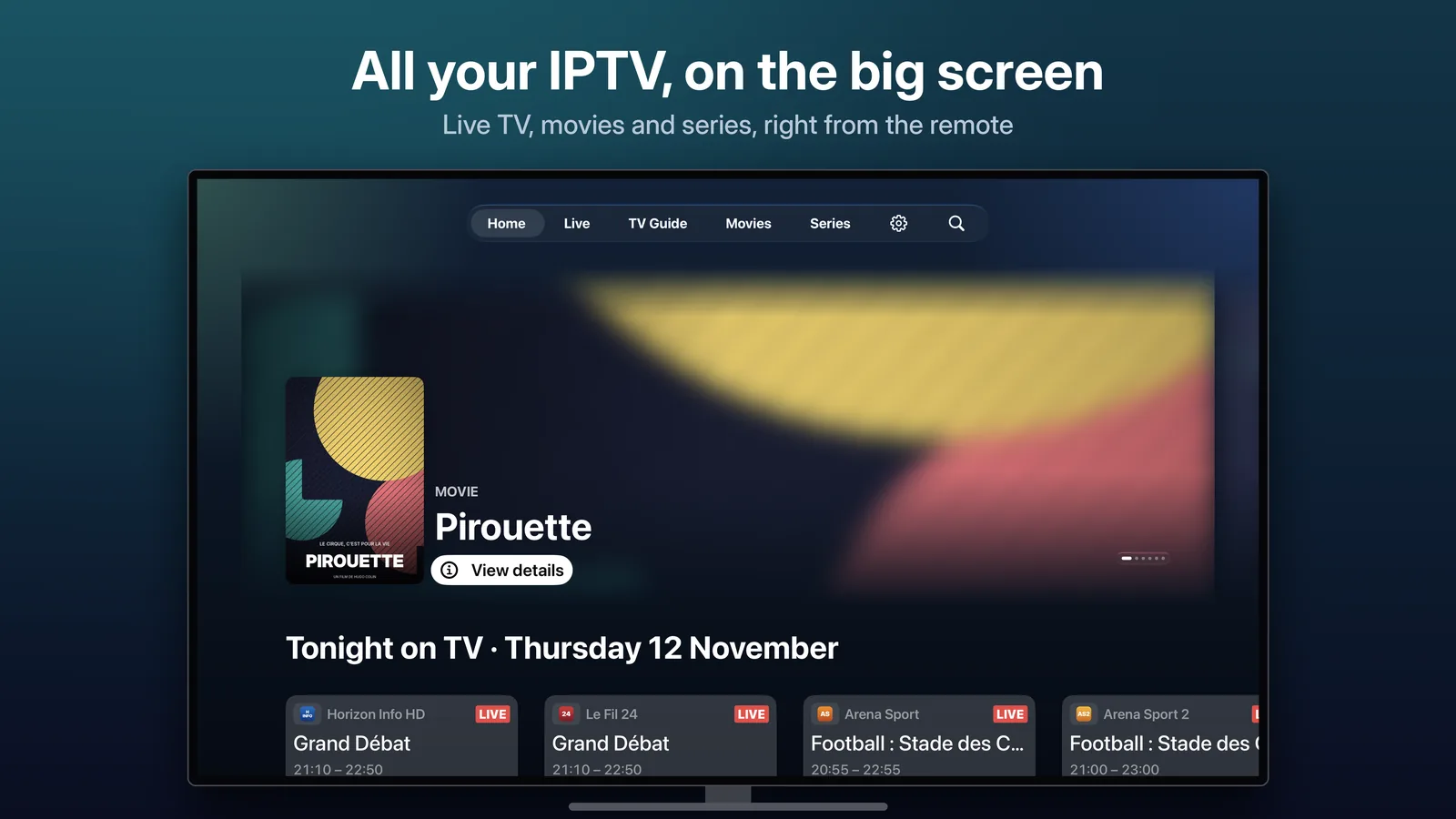
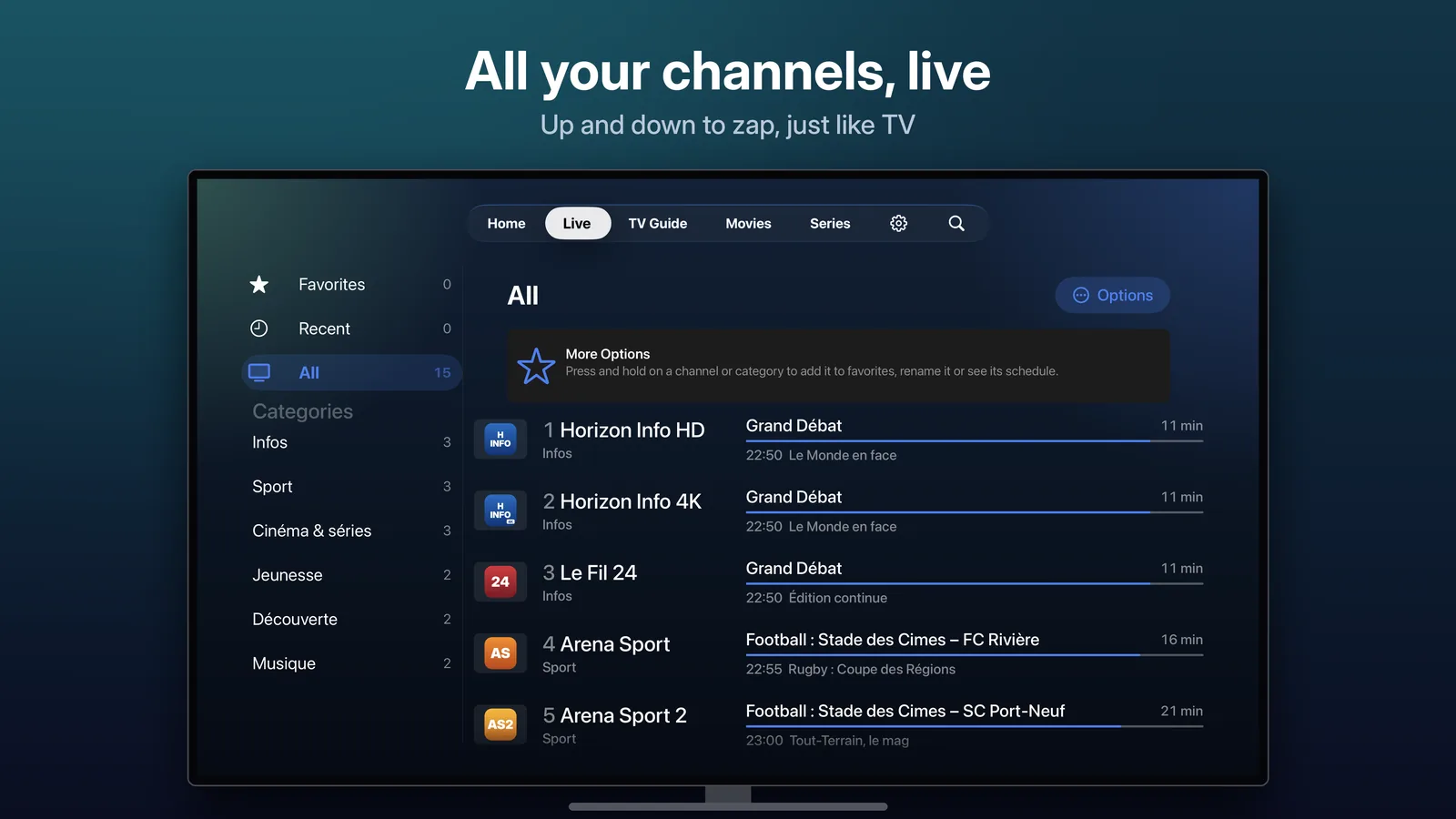
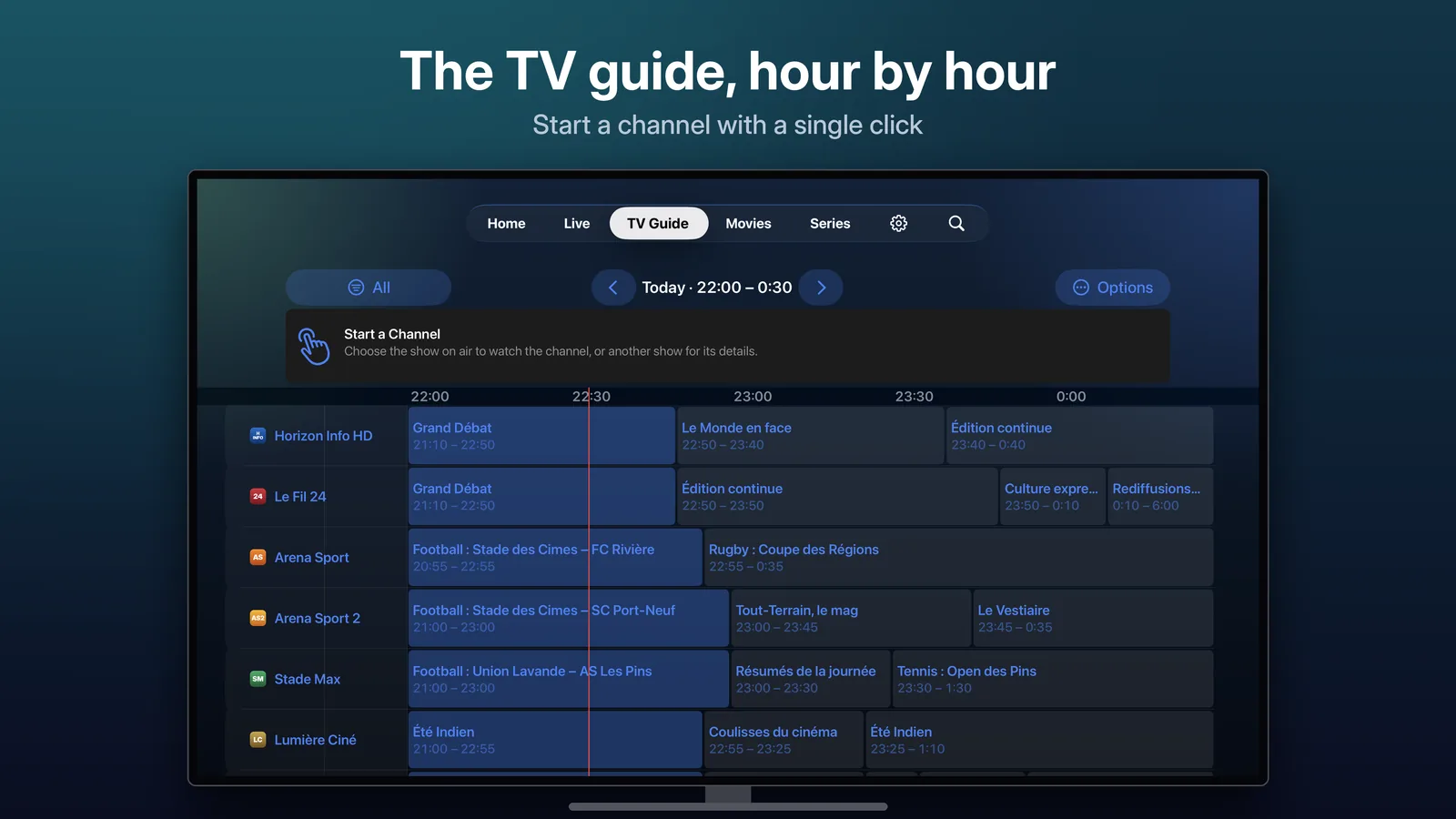
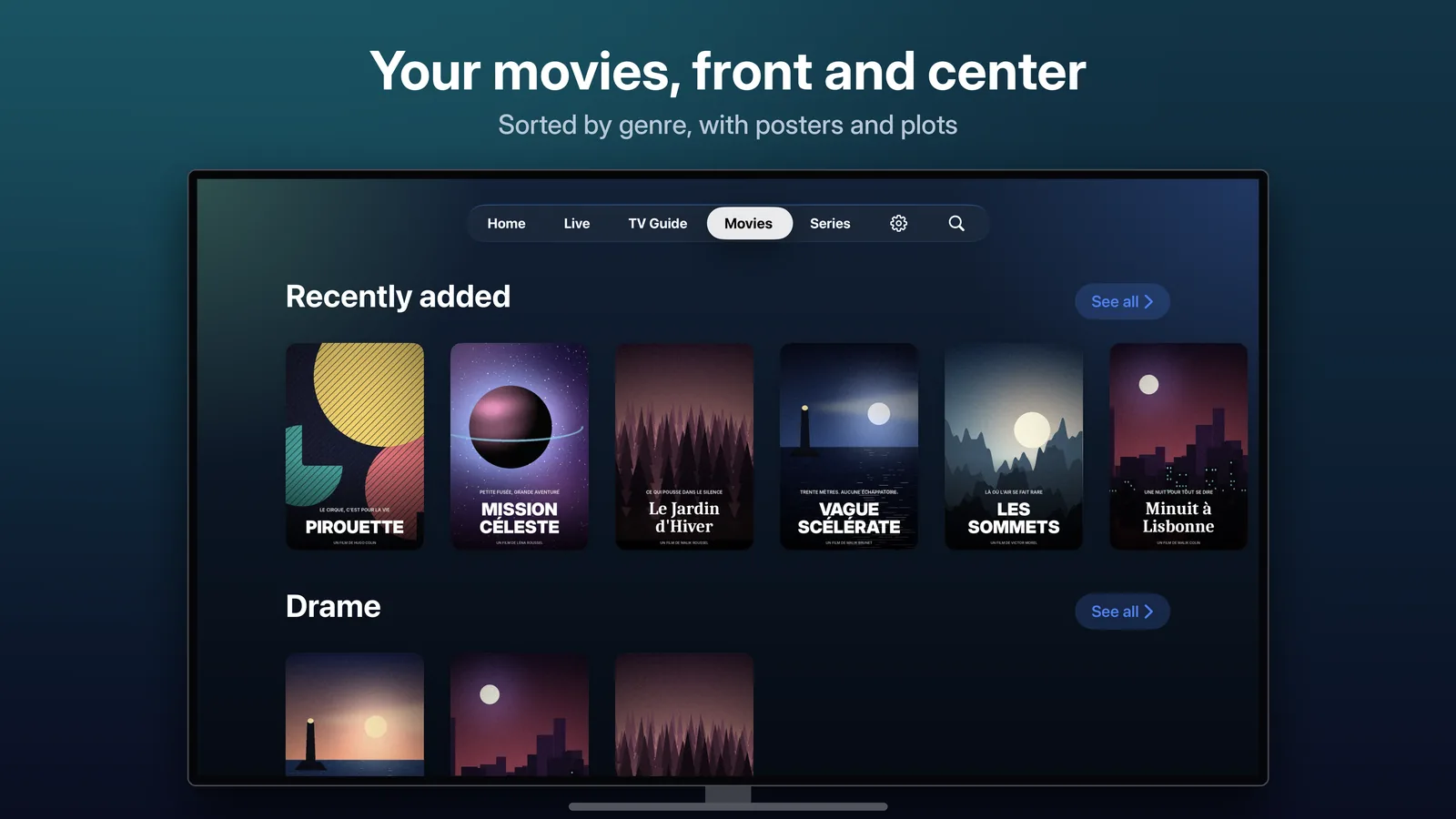
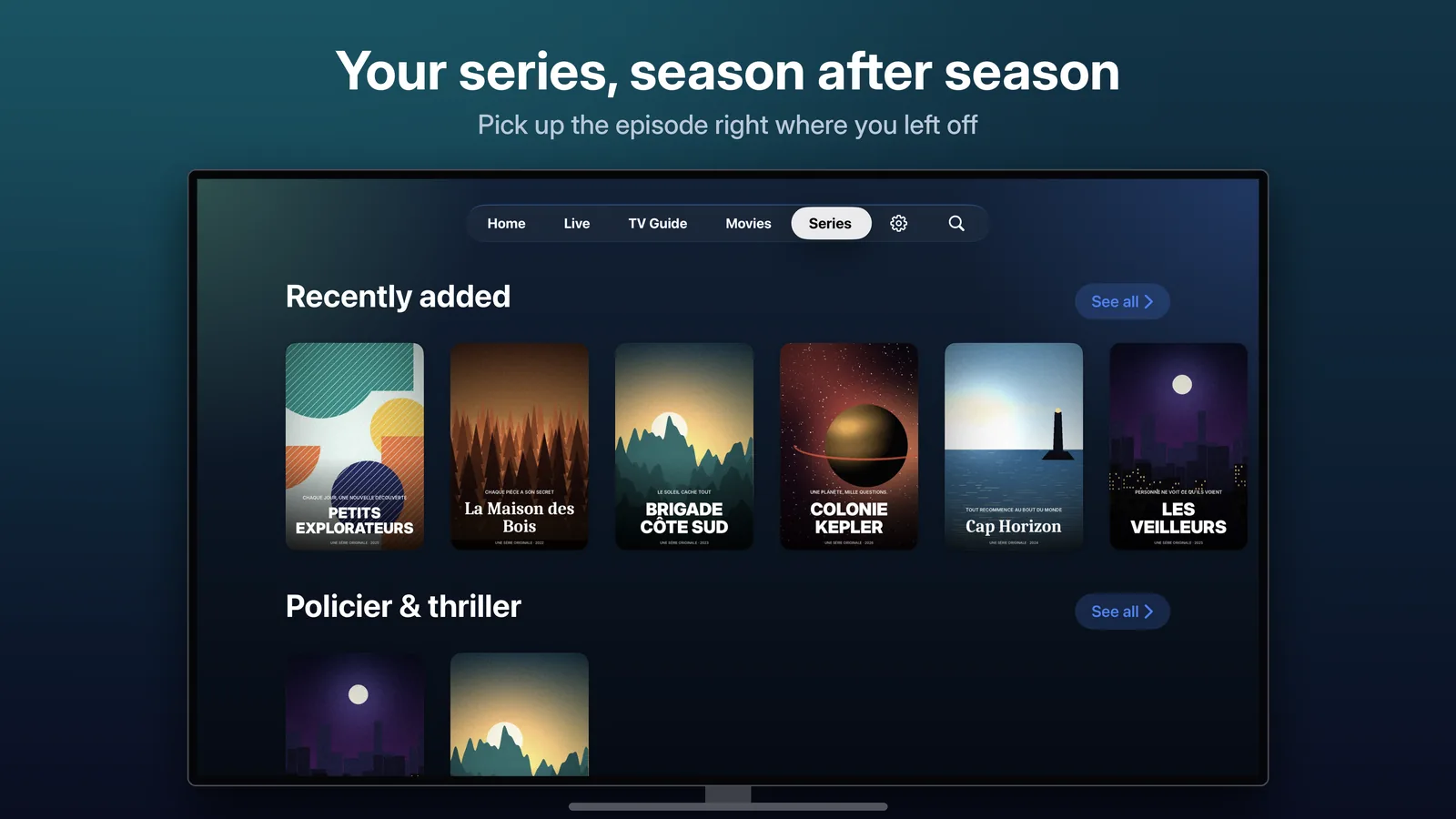
Real screenshots of the app, with the demo playlist: fictional channels, movies and series.
Features
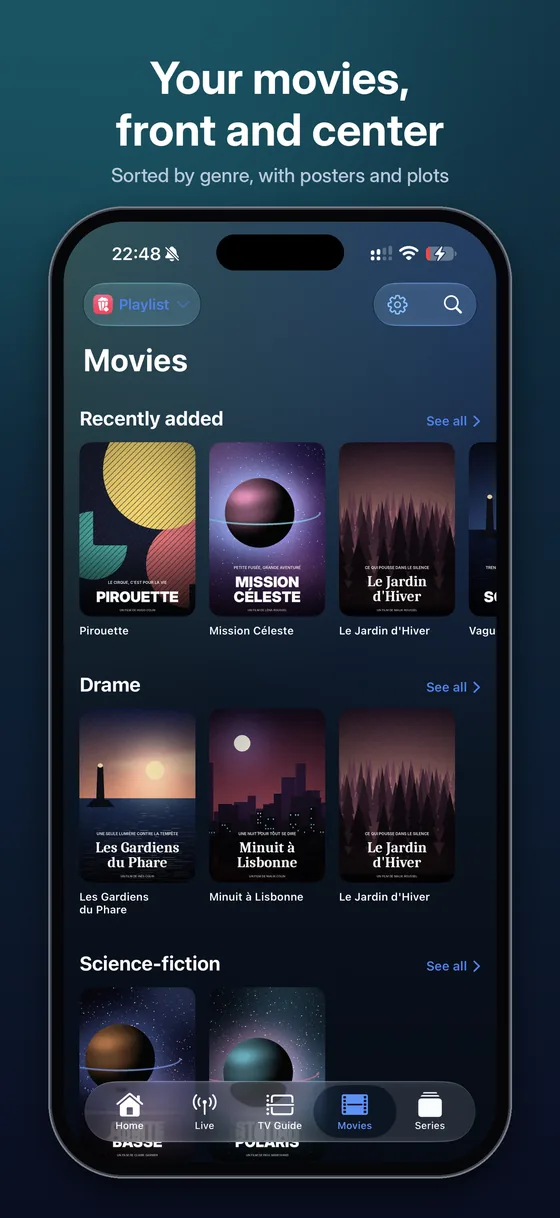
A clear interface for live TV, movies and series, whatever the size of your playlist.
A large featured image, Continue watching, Recent channels, Favorites, Tonight on TV, My List and new movies and series. You choose the order and what appears.
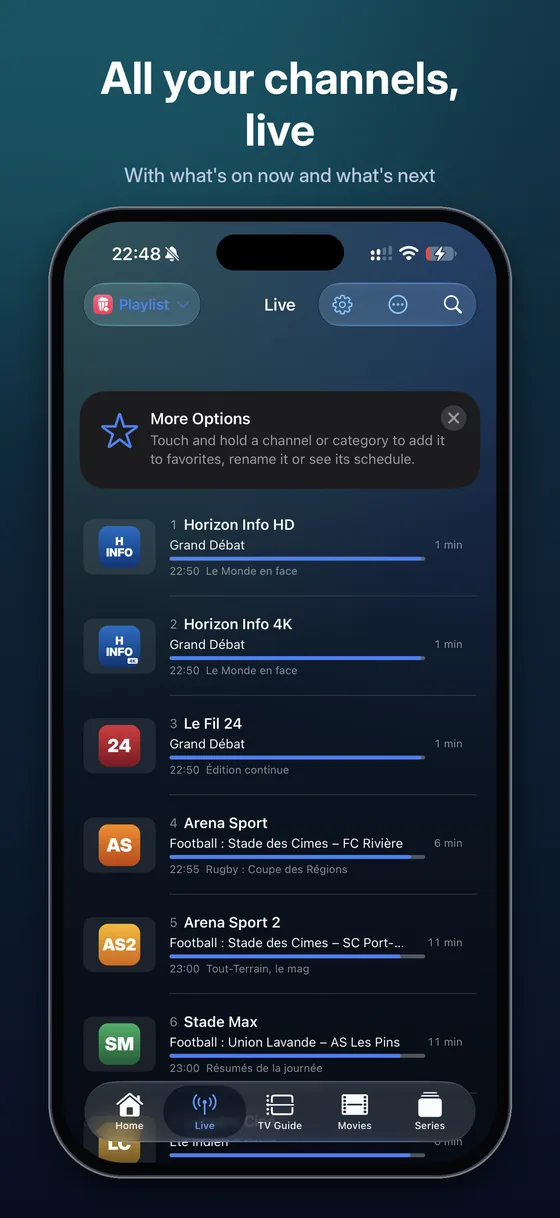
Categories, reorderable favorites, what’s on now and a channel preview before going full screen. A channel offered in SD, HD or 4K lists every version.
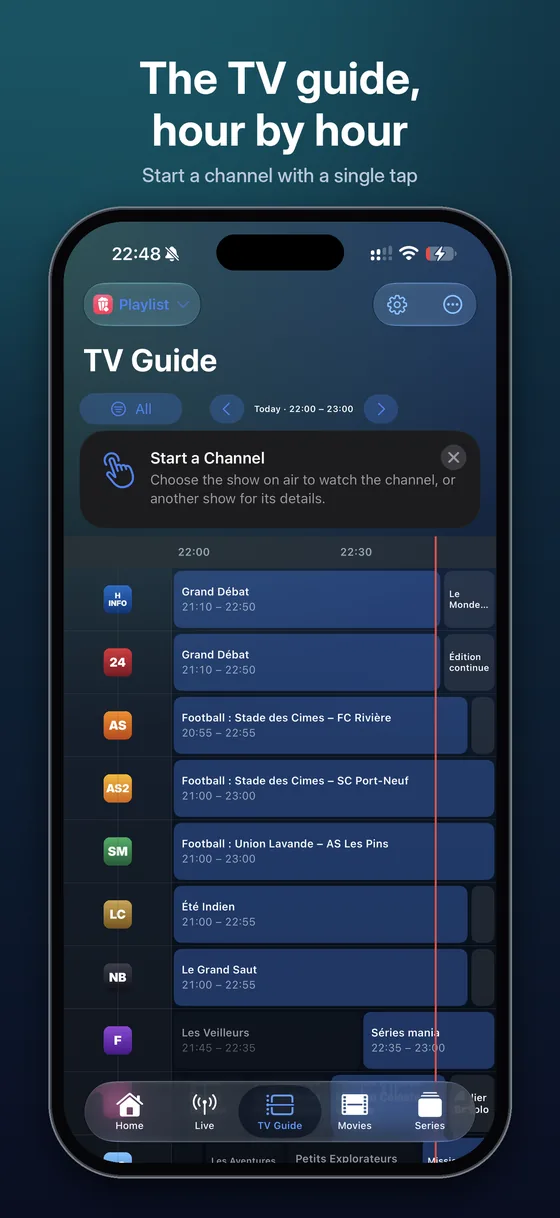
A timeline with a “now” line that starts with your favorite and recent channels. Tap the current show to start the channel, or another one for its details, replay or a reminder. When your provider offers several versions (SD, HD, 4K), the guide keeps one row per channel and asks which one to play.
AVPlayer and VLC, switching automatically to the other engine if one fails. Channel surfing, previous channel, live pause, audio and subtitles, speed and sleep timer.
On iPhone and iPad, the player responds to the gestures of today’s video apps. On iPhone in portrait, a compact player keeps the channel list in view.
M3U, M3U8 and XSPF playlists by address or file, and Xtream Codes accounts. Refresh runs from every 6 hours to weekly, never during playback.
Favorites, list and progress for each person, with a Kids profile built in. A 4-digit code locks categories and settings.
Channels, movies and series in a single search. On iPhone, they also appear in system search, and a long press on the icon resumes playback.
5 themes, a light or dark icon on iPhone and iPad, reorderable Home rows and 6 languages.
Many IPTV providers cut the video as soon as a second connection opens. Necivo is built around that limit.
Necivo does not sell, host or recommend any content, channels or subscriptions. Only use sources you have legal access to.
Read the terms of useAdding your source and browsing your content is free. To watch, Necivo works with a 1, 3, 6 or 12-month subscription that starts with a 14-day free trial, or with a one-time lifetime purchase. One purchase works on iPhone, iPad, Apple TV and Mac, and prices are shown in the app, in your currency.
No. Necivo is a player. It only reads the sources you add, and you must have legal access to them.
M3U, M3U8 and XSPF playlists, by web address or imported file, as well as Xtream Codes accounts. The TV guide uses the XMLTV format.
No. There is no Necivo account. Your settings stay on your devices and, if you choose, in your iCloud.